Creating a home workspace that combines comfort and productivity is key to staying focused and motivated, especially as remote work becomes a norm for many. Whether you have a dedicated room or a small corner in your living space, making the workspace inviting and efficiently organized helps improve your workflow. This guide covers essential tips to help you build a cozy yet effective home office setup.
Choose the Right Location
Prioritize Natural Light
Placing your workspace near a window can brighten your day and reduce eye strain. Natural light is known to boost mood and energy levels. If natural light is limited, invest in good quality lamps that mimic daylight.
Minimize Distractions
Select a quiet spot away from household traffic, TV noise, or other interruptions. If space is limited, noise-canceling headphones can help create a focused atmosphere.
Invest in Comfortable, Ergonomic Furniture
Choose a Supportive Chair
An ergonomic chair with good lumbar support keeps your back comfortable during long work hours. Avoid sitting on couches or beds, which can cause poor posture.
Opt for the Right Desk
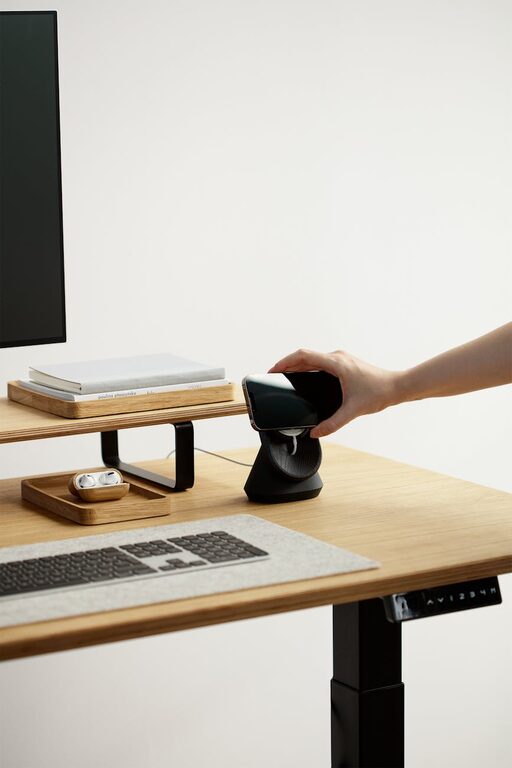
Your desk should be at a height where your arms rest comfortably at a 90-degree angle while typing. If possible, consider a sit-stand desk to allow you to alternate between sitting and standing.
Organize Your Workspace
Keep Essentials Within Reach
Arrange frequently used items like your computer, notebook, pens, and phone close to avoid unnecessary stretching or getting up frequently.
Use Storage Solutions
Shelves, drawers, and organizers reduce clutter and free up desk space. Label containers to find supplies quickly.
Cable Management
Use clips, ties, or cable boxes to keep cords tidy and prevent tangles, which improves aesthetics and safety.
Personalize Your Space for Comfort and Inspiration
Add Greenery
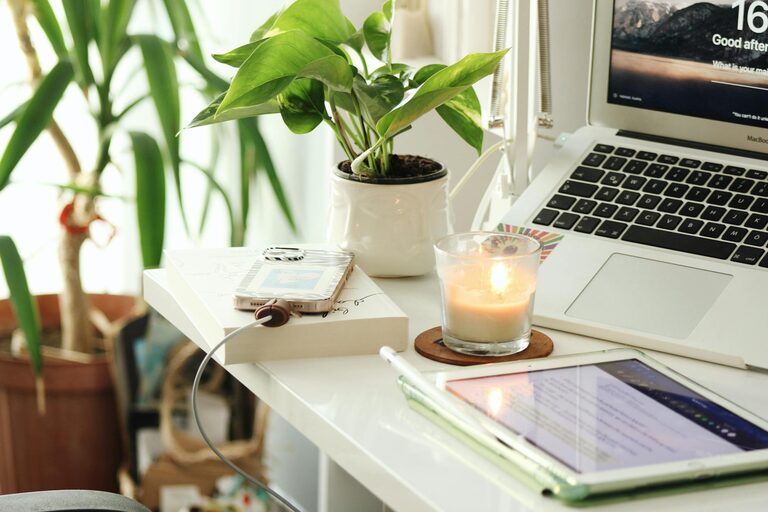
Plants improve air quality and bring a calming effect to your workspace. Even small succulents on your desk can make a difference.
Use Color Wisely
Choose colors that inspire productivity and calmness. Soft blues and greens are relaxing, while yellows can stimulate creativity.
Incorporate Personal Items
Photos, artwork, or a favorite mug can create a sense of belonging without creating clutter.
Optimize Lighting
Combine Ambient and Task Lighting
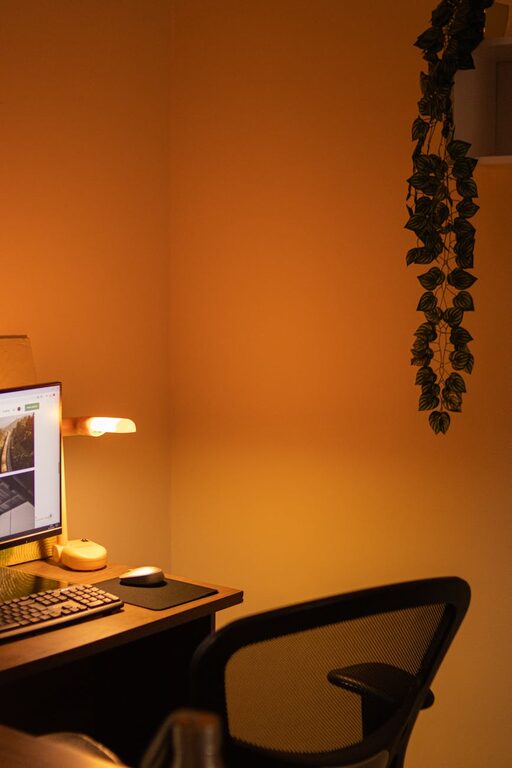
General room lighting should be soft and spread evenly. Use task lighting like adjustable desk lamps for detailed work.
Reduce Screen Glare
Position your monitor perpendicular to windows or light sources. Use screen filters if needed.
Set Boundaries for Work and Breaks
Create a Routine
Start and end your workday at consistent times to maintain balance. Use your workspace only for work to help your brain associate the space with focus.
Take Regular Breaks
Use techniques like the Pomodoro Method (25 minutes work, 5 minutes break) to avoid burnout.
Incorporate Technology Wisely
Use Quality Equipment
Reliable hardware like a good keyboard, mouse, and webcam enhances comfort and communication.
Manage Notifications
Turn off non-essential alerts to minimize distractions.
Maintain Cleanliness and Air Quality
Regular Cleaning
Wipe surfaces and vacuum to reduce dust and allergens.
Ensure Ventilation
Open windows or use air purifiers for fresh air.
Final Thoughts
Building a home workspace that is both cozy and productive doesn’t require a lot of space or expensive furniture. By focusing on location, comfort, organization, personalization, and lighting, you can create an environment that supports your work habits and well-being. Remember to listen to your needs and make adjustments over time. A pleasant workspace can not only improve your productivity but also make working from home more enjoyable.